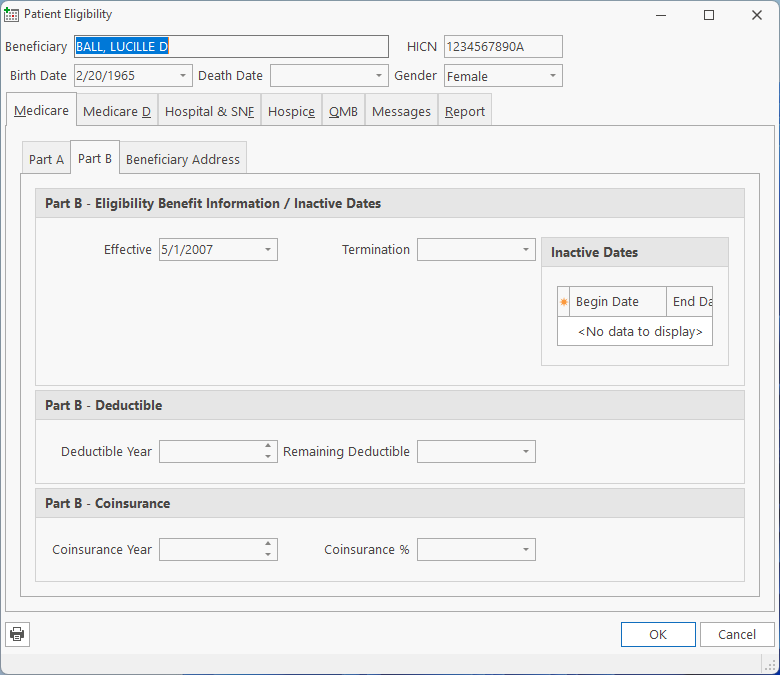
This allows you to check Patient Eligibility from various payors, such as Medicare, Medicaid and Commercial Payors. You can check on any payor, simply select the Payor, then Check Eligibility.
| Date of Eligibility | The date for which you would like the Eligibility checked. |
Patient eligibility results are saved in the Customer Comments, Notes tab with a Note Type of 271. To view the patient eligibility results at a later time, click on the 271 note and click the scan button. The following screen will appear. When you run the patient eligibility, you will see the results (such as above) as soon as the request has been fulfilled.
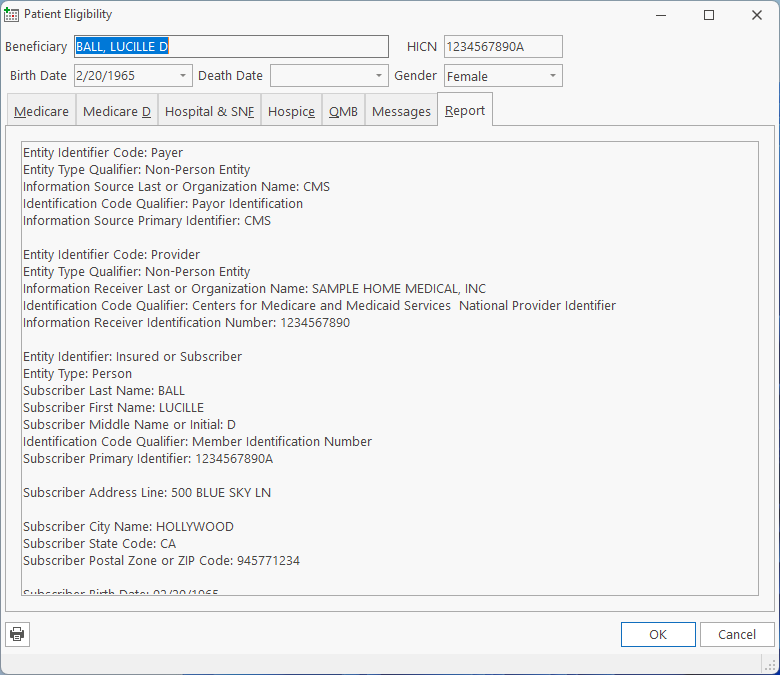
The Patient Eligibility form has several tabs; Medicare, Medicare D (Part-D), MSP, HMO, Hospital & SNF, Hospice, Home Health and Report. These tabs only display when some relevant data is available. So, if the patient has no MSP, HMO or Hospice information, those tabs will not be visible, so you only have to review the available tabs.
The Report tab is a text representation of all the information in the 271 Result file regardless of the applicability to HME operations, so if you want to see all the information, or you suspect that some field is not being represented on the form correctly, you can review the data directly.
Tell us what you think.
You must be logged in to post a comment.